
Sales: 0844 88 43 400 (9am til 5pm GMT, Mon - Fri)

Knowledgebase

Dev License: This installation of WHMCS is running under a Development License and is not authorized to be used for production use. Please report any cases of abuse to abuse@whmcs.com

Enabling Server Side Compression in cPanel Print

  • 12

Enabling server side compression is a simple step that you can take to have the server compress static files that are served from your website. Compressing static files decreases their file size and results in quicker load times and reduced bandwidth usage. 

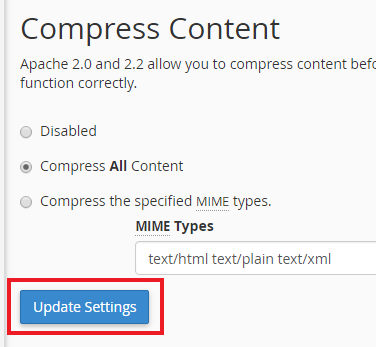
To activate server side compression, log into cPanel and click on the “Optimize Website” icon and then click on “Update Settings”
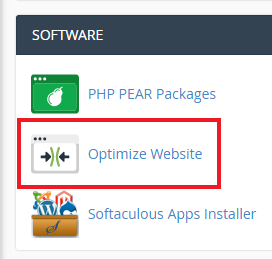
Optimize Website Icon

Enable gzip Compression


Was this answer helpful?

« Back

Powered by WHMCompleteSolution