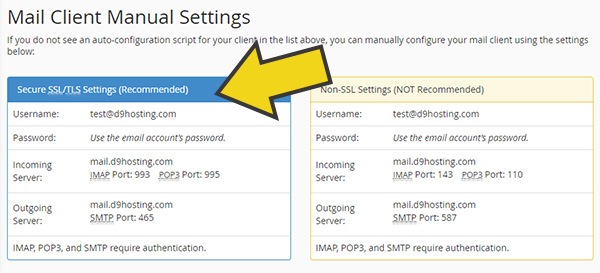
When setting up an email client to send and receive emails, you need to know what settings to enter!
You can find out the correct connection details by following the instructions below.
1. Log into cPanel and click on the "Email Accounts" icon.
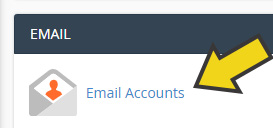
2. Click on "Connect Devices" next to the email account you are looking to configure.

3. You will then be able to see the settings that you can use to connect your email client. There are both secure and insecure options, we highly recommend you use the secure settings.